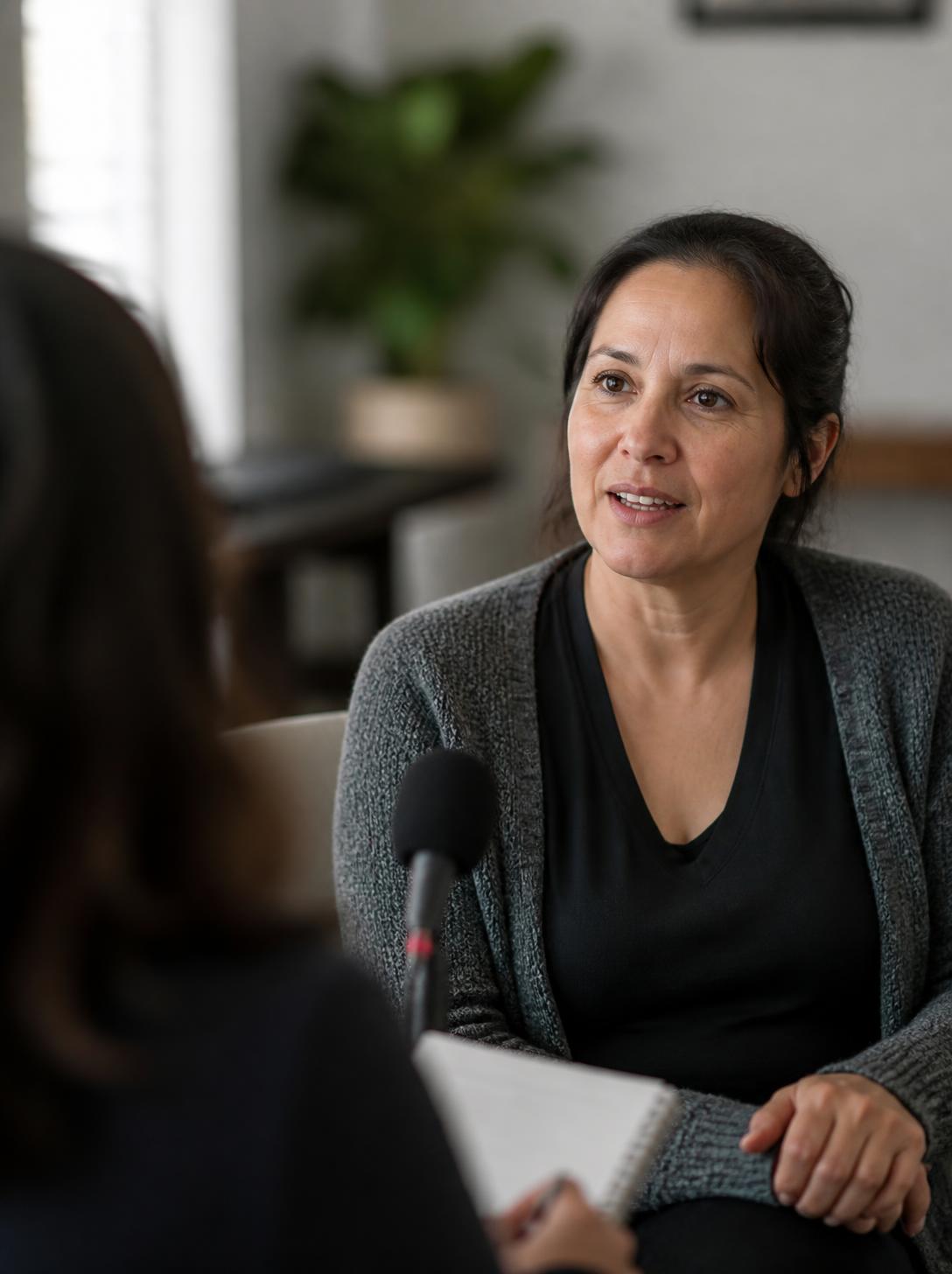
A donor thank-you video is a short video that thanks a donor and shows them what their gift did, without asking for another one. To make one, say the donor’s name, show one specific result, let someone close to the work deliver it, and send it within days, not months. That matters because most first gifts are also the last: the Fundraising Effectiveness Project found that only 18.9% of new donors in 2024 gave again in 2025. A quick phone video and a polished impact video do different jobs, and most nonprofits need both.
This guide is part of our nonprofit video production series. It’s written for development and communications teams who want donors to come back for a second gift.
What is a donor thank-you video?
A donor thank-you video is a stewardship video: it exists to thank, not to solicit. An impact video is its bigger sibling, a recap of what donors made possible over a campaign, a project, or a year. Both end with gratitude, not a donate button.
The difference from a fundraising video is the job. A fund-a-need video for your gala is built to raise money in the room. A thank-you video is built to make the donor feel that their money landed somewhere real, so the next ask feels like a continuation instead of a cold call. It also isn’t the receipt. A receipt confirms a transaction for tax purposes; a thank-you confirms that the gift mattered.
Why do donor thank-you videos matter?
Because the second gift is where most donor relationships end. The Fundraising Effectiveness Project’s Q4 2025 report puts new donor retention at 18.9%, unchanged from 2024, while donors who had already given more than once were retained at 59.3%. Overall retention was 43.3%. Roughly four out of five first-time donors don’t give the following year, but a donor who gives twice is about three times as likely to keep going. Every donor you carry to a second gift is one you don’t have to find again.
Key takeaway: A thank-you video works when it is fast, specific, and free of any ask. Its job is to prove the gift mattered, not to raise the next one.
Does thanking donors actually improve retention?
The honest answer: a late, generic thank-you doesn’t, and speed and specificity probably do. Two pieces of research point in different directions, and both are useful.
- The controlled experiment. Economists Anya Samek and Chuck Longfield randomized more than 500,000 new donors to public TV stations and a national nonprofit. Thank-you phone calls, made three to seven months after the first gift and with no ask, had no measurable effect on whether donors gave again: 27.9% of called public TV donors gave again within a year, against 28.1% of those not called. Fundraising professionals surveyed beforehand had predicted the calls would raise retention by 80%. The study was published in the American Economic Journal: Applied Economics in 2023.
- The large observational dataset. Bloomerang, a donor CRM, looked at 1.9 million first-time donors across 3,729 organizations. Donors who got no thank-you call within 90 days were retained about 33% of the time, against 41.24% with one call and 58.21% with more than one. That’s correlation, not proof: organizations that call quickly may also do many other things well.
Read together, the lesson isn’t “don’t bother thanking donors.” It’s that a thank-you arriving months later is easy to ignore, and gratitude works best as the first step in showing donors what happened next. If you want proof for your own donors, test it. Samek told the Chronicle of Philanthropy that nonprofits should run their own test by not calling 10% of their donors. Do the same with video: hold back about 10% of new donors from the thank-you video, then compare second-gift rates after a year. Use the FEP’s 18.9% as your baseline.
What kinds of thank-you videos should a nonprofit make?
Four types cover almost every situation. They differ in who they’re for, who should be on camera, how long they run, and when they go out.
| Video type | How it works |
|---|---|
| Instant thank-you Every online donor 30–60 seconds | One video on the donation confirmation page and in the first email after the receipt. A program lead or participant says thanks. Made once, used all year. |
| Personal thank-you Major, first-time, and upgraded donors 30–60 seconds | A staff member, board member, or the executive director says the donor’s name on a phone video. The larger the gift, the more senior the messenger. Sent within days. |
| Campaign wrap-up Everyone who gave to a campaign 60–90 seconds | What the campaign raised and what happens next, sent when it closes. Year-end and giving-day campaigns are natural fits. |
| Impact video All donors, board, funders 90 seconds to 3 minutes | A professionally filmed story of a finished project or a full year. Doubles as an annual report video. |
The first two are usually filmed in-house. The last one is where a production crew earns its fee, because it carries your best footage and gets reused for months.
What should a donor thank-you video say?
Use this five-part structure for a personal or campaign thank-you. It fits in under a minute.
- Start with the donor, not your logo. “Maria, thank you” beats an animated title card. The first seconds decide whether they keep watching.
- Name one specific result. “Your gift stocked the pantry shelf you see behind me” is stronger than “your support makes a difference.”
- Let someone close to the work say it. A program participant (with consent), a volunteer, or the staff member who runs the program is more believable than the executive director reading a script.
- Tell them what happens next. One sentence on what their gift sets up keeps the relationship moving without asking for anything.
- End with thanks, and no ask. No donate button, no “consider giving again.” Give them a way to reply or visit if they want to.
Here is a fill-in script that follows it, about 45 seconds when spoken at a natural pace:
“Hi [first name], I’m [name], and I run [program] here at [organization]. I wanted to thank you myself for your gift last [week]. Because of you, [one concrete result: ‘twelve families picked up groceries here on Saturday’]. [Show it: pan to the shelf, the classroom, the volunteer.] Next month, [what the gift sets up: ‘we open the second pantry day’]. I’ll send you a quick update when it happens. Thank you, [first name]. It really mattered.”
Use “you” more than “we.” A thank-you video that mostly lists the organization’s accomplishments is an annual report with a thank-you stapled on. Say the result you can show today, not the gift amount; donors know what they gave.
When should you send a thank-you video?
- Right after the gift: the instant video on the confirmation page, then a personal video within a few days for first-time and larger donors.
- When a donor’s giving changes: an upgraded gift, a first monthly gift, or the anniversary of a donor’s first gift each deserves a short personal video.
- When a campaign closes: a wrap-up to everyone who gave, ideally within a week of the deadline, while the campaign is still fresh.
- When the project is done: an impact video when the building opens, the program cohort graduates, or the season ends.
- Around Thanksgiving and the new year: a gratitude video before the year-end appeal arrives, so the ask isn’t the only message donors get from you in December.
How do you send a donor thank-you video?
- Confirmation page: redirect donors to a thank-you page with the instant video after they give online. It’s the one moment you know they’re paying attention.
- Email: most email tools won’t play video inline, so use a thumbnail image with a play button that links to the video. Put the donor’s name in the subject line.
- Text message: for major donors and board members who already text with your staff, a personal video sent by text gets seen.
- Unlisted links: upload personal videos as unlisted on YouTube or Vimeo, so only the donor with the link can watch.
- Social media: campaign wrap-ups and impact videos belong there. Never name an individual donor publicly without their permission.
Add captions to everything. Many people watch with the sound off, and captions let a donor understand the video in a waiting room or on a train.
Should you film it yourself or hire a crew?
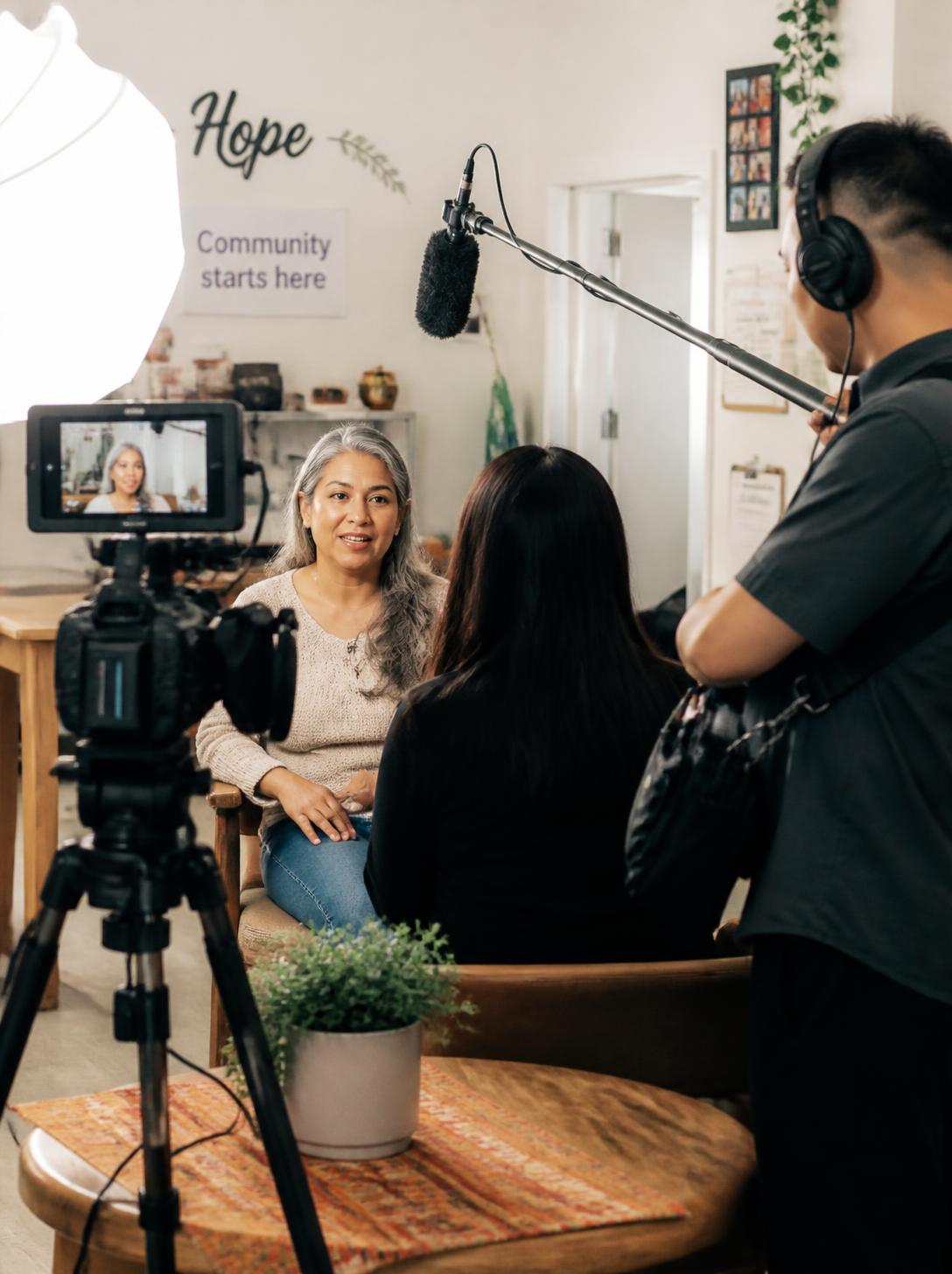
Film personal thank-yous yourself. A phone held at eye level by a window, a quiet room, and a real person talking is enough, and the slight roughness makes it feel personal. Nobody expects a one-to-one thank-you to look like a commercial.
Hire a crew for the impact video. It’s the piece donors, board members, and funders will judge your organization by, and it gets reused on your website, at the gala, in the annual report, and in grant applications. If you’re budgeting, our guide to nonprofit video production cost breaks down what moves the price.
What should you add to a shoot you’re already planning?
The cheapest professional thank-you video is the one you didn’t book a separate day for. Aktion’s nonprofit page notes that one shoot day can produce a gala film, a grant video, and social clips if every version is planned before filming starts. Aktion works in three phases, Plan, Roll, Cut, and thank-you material fits into each:
- Plan: list the thank-you versions you need this year (confirmation-page video, year-end wrap-up, impact video) and add them to the shot list. Add donor thank-you use to every on-camera release.
- Roll: ask each interviewee for one direct-to-camera “thank you” line and one “your gift did this” line. Capture program b-roll with and without faces, vertical takes for phones, and a clean shot of a spot in your building where staff can later record personal videos with the same look.
- Cut: deliver a 60-second instant thank-you, a campaign wrap-up template you can update with this year’s totals, and captioned files in both horizontal and vertical formats.
What about consent for the people in the video?
A thank-you video is still a public story. If a program participant appears on camera, they need to know that the video goes to donors, where it will be posted, and for how long, and they need to be free to say no. Write that scope into the release: donor emails, the website, social media, and the length of time you’ll use it. Footage filmed for one purpose, such as a gala, needs fresh permission before it’s reused in a donor thank-you. Our guide to nonprofit storytelling video consent has a before, during, and after checklist.
What mistakes make thank-you videos fall flat?
- Slipping in an ask. It turns gratitude into a pitch, and donors notice.
- Being vague. “Thanks for your support” with stock footage proves nothing about where the gift went.
- Sending it months later. By then the donor has moved on, and the Samek and Longfield experiment found that calls made three to seven months after the gift changed nothing.
- Treating the receipt as the thank-you. A tax receipt with a video link buried at the bottom isn’t gratitude.
- Making the organization the hero. The donor and the people served are the story. The organization is the bridge between them.
- Using people without permission. A beneficiary filmed for a program video didn’t automatically agree to appear in every donor email.
Frequently asked questions
Should a donor thank-you video ask for another donation?
No. A thank-you video works because it asks for nothing. Bloomerang’s guide says to avoid using the video to make additional asks, and the Donor Relations Group warns against promoting events or, especially, making another ask. Save the next ask for a separate message, after the donor has seen what their gift did.
How long should a donor thank-you video be?
Keep a personal or instant thank-you to 30 to 60 seconds; it only needs to deliver gratitude and one result. Fundraising guides from Bloomerang and the Donor Relations Group suggest 30 to 90 seconds for most thank-yous. An impact video can run 90 seconds to 3 minutes, because the donor chose to press play to see what happened.
Can we make a thank-you video on a phone?
Yes, and for personal thank-yous you should. Film horizontally or vertically to match where it will be sent, face a window for light, and keep the phone at eye level. Sincerity matters more than polish in a one-to-one message.
Are personal thank-you videos worth the staff time?
For your top donors, yes; for everyone, rarely. Record personal videos for first-time donors above a set gift level, upgraded donors, and major donors, and give everyone else the instant video. Then test it: hold back a small group and compare second-gift rates after a year.
What’s the difference between a thank-you video and an annual report video?
A thank-you video speaks to one donor or one campaign’s donors and centers on gratitude. An annual report video covers the whole year for every audience, including board members and funders. A practical approach is to make the annual report video your main impact video of the year, then cut short thank-you versions from the same footage.
Planning an impact video this year?
Aktion films impact stories, gala films, and campaign videos for nonprofits in Orlando and across Florida, and can plan thank-you and impact cuts into the same shoot day. See how we work on our nonprofit video production page.
Sources
- Fundraising Effectiveness Project, Retention by donor type, Q4 2025 and Retention time series, Q4 2025
- Samek and Longfield, Do Thank-You Calls Increase Charitable Giving? Expert Forecasts and Field Experimental Evidence, American Economic Journal: Applied Economics, 2023
- Chronicle of Philanthropy, Thank-You Calls Show No Impact on Giving (2020)
- Bloomerang, Actually Calling Donors To Thank Them Does Make Them More Likely To Give Again and Donor Thank-You Videos: How to Make Them
- Donor Relations Group, How to Use Video Thank-You Messages to Acknowledge and Inspire Donors
- Aktion Productions, Non Profit Video Production (one shoot day, several planned versions)
Related guides
- Nonprofit storytelling video consent
- How to make a fund-a-need video for your gala
- Capital campaign video: what to film and when
- Nonprofit video production in Orlando

Looking for a Top Rated Orlando Video Production Company?
Use Orlando's Trusted Choice
Don't settle for subpar video content. With years of experience in both corporate and creative video production, we are the trusted choice for Orlando video production. Whether you're looking to capture your brand's story or create compelling advertising campaigns, we have the expertise to make your vision a reality.